01
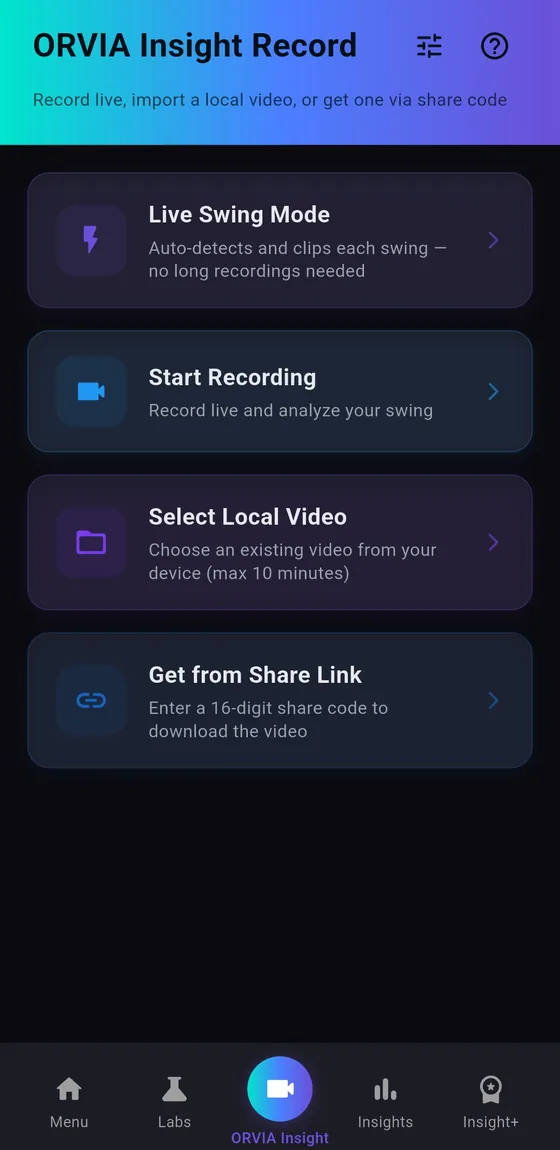
Record: set up the phone and tap “Start Recording”
Tap the record button in the middle of the bottom bar and choose “Start Recording”. The student hits ball after ball; the app detects each impact while it records and shows “Shot N” on screen. Tap stop when you are done. There is no editing to do.
Two other sources: “Live Swing Mode” saves one short clip per swing without keeping the long video, and “Select Local Video” imports an existing video of up to 10 minutes from the phone.